WordPress accessibility plugins: what they can and cannot do
Dozens of plugins in the WordPress directory sit under the keyword accessibility — and they do very different things. We installed 26 of them in a clean WordPress site and looked at what actually happens once you activate them. This article sorts the field out, uses the most common errors on the web to show which part of the work can be automated at all, and explains why no plugin makes your website legally compliant.
Three kinds of plugin, all filed under “accessibility”
A directory search throws them all into one bucket. In practice they fall into three groups with fundamentally different jobs:
| Kind | What it does | Where it stops |
|---|---|---|
| Correction | Adds missing information to the HTML before the page is served. | Cannot invent content. |
| Testing | Finds errors and reports them where editing happens. | Fixes nothing itself. |
| Widget | Shows visitors a toolbar of display options. | Does not change the page underneath. |
A correction plugin sets the language attribute, adds skip links, ties form fields to their visible labels, gives iframes a title and tables their header cells. All of these are entries with exactly one correct answer. It cannot invent a meaningful alternative text, because that does not follow from the markup but from the purpose of the image.
A widget — often called an overlay — places a bar on top of the page so visitors can enlarge text, raise contrast or stop animations. Anyone who does not open that bar, which is the vast majority, sees the page unchanged.
The catch: most plugins are two or three of these at once. That is why “which plugin is best?” leads nowhere. The useful question is: which of the three parts do I need — and is the plugin good at that particular part?
What can be automated — and what cannot
This question can be answered with numbers. Every year the organisation WebAIM runs automated WCAG testing on the home pages of the one million most visited websites. In February 2026, 95.9 per cent had at least one detectable failure — up from 94.8 per cent the year before. The average was 56.1 errors per home page, a good ten per cent more than in 2025. The most common failure types have been the same for years.
The list gets interesting once you note, beside each failure, whether a plugin can fix it:
- Low contrast text83.9 % No – design
- Missing alternative text53.1 % No – editorial
- Form input without label51.0 % Usually
- Empty link46.3 % Partly
- Empty button30.6 % Partly
- Missing document language13.5 % Yes, fully
The caveats: every testing tool finds contrast problems reliably — fixing them is a design decision, and a human makes it. Missing labels on form fields can usually be wired up automatically, provided a visible label exists at all. An empty link containing only an icon can be given a name; a link with no discernible destination is an editorial error. And the missing document language is the one case a plugin settles completely.
An uncomfortable arithmetic follows. By far the most common failure on the web is the one no plugin can solve for you — low contrast, on more than four in five home pages. And the only failure on the list that can be fully automated comes last.
A widget can offer a contrast mode at this point. That helps the few who find the bar and switch it on. For everyone else — and for every automated audit, including one by a supervisory authority — the page is unchanged.
The field: 26 plugins in the directory
Searching the directory for “accessibility” returns more than 3,000 results — most of which have nothing to do with accessibility in the narrow sense. The list below holds the entries that actually do one of the three things above, from 500,000 installations down to the small German-language vendors. First, the view from above:
| Plugin | Installations | Rating | Updated | Tested up to | Kind | Account needed |
|---|---|---|---|---|---|---|
| Web Accessibility Elementor | 500,000+ | 2.9 ★ (162) | 24 Aug 2026 | 7.0.4 | Widget, testing | for the AI features |
| Accessibility by UserWay UserWay | 80,000+ | 4.0 ★ (57) | 8 Dec 2025 | 6.9.7 | Widget | yes |
| WP Accessibility Joe Dolson | 60,000+ | 4.8 ★ (68) | 11 Aug 2026 | 7.1 | Correction | no |
| Accessibility Widget OneTap | 50,000+ | 4.9 ★ (79) | 31 Aug 2026 | 7.1 | Widget | no |
| AccessiYes CookieYes | 20,000+ | 4.8 ★ (35) | 25 Aug 2026 | 7.0.4 | Widget | no |
| AccessibleWP UserWay | 20,000+ | 4.5 ★ (47) | 3 Oct 2024 | 6.6.7 | Widget | no |
| Web Accessibility accessiBe | 10,000+ | 4.1 ★ (32) | 23 Feb 2026 | 6.9.7 | Widget | yes |
| WP Accessibility Helper Alex Volkov | 10,000+ | 4.7 ★ (57) | 2 Sep 2026 | 7.1 | Widget, correction | no |
| Accessibility Checker Equalize Digital | 10,000+ | 4.9 ★ (78) | 1 Sep 2026 | 7.1 | Testing | no |
| SOGO Accessibility SOGO | 5,000+ | 4.1 ★ (8) | 6 Sep 2026 | 7.1 | Widget | no |
| Equalweb Accessibility EqualWeb | 4,000+ | 5.0 ★ (2) | 3 Apr 2025 | 6.8.8 | Widget | yes |
| WP ADA Compliance Check seshelby | 3,000+ | 4.5 ★ (8) | 20 Aug 2026 | 7.1 | Testing | no |
| DJ-Accessibility DJ-Extensions | 3,000+ | 5.0 ★ (3) | 30 Dec 2025 | 6.9.7 | Widget | no |
| Accessibility by AllAccessible AllAccessible | 2,000+ | 5.0 ★ (15) | 31 Aug 2026 | 7.1 | Widget | yes |
| Accessibility by AudioEye AudioEye | 2,000+ | 3.3 ★ (7) | 11 May 2026 | 6.8.8 | Widget | yes |
| Editoria11y Editoria11y LLC | 1,000+ | 5.0 ★ (5) | 4 Sep 2026 | 7.1 | Testing | no |
| Accessibility Tool Kit WebToffee | 1,000+ | 4.8 ★ (5) | 9 Sep 2026 | 7.0.4 | Testing, widget | no |
| AAArdvark AAArdvark | 700+ | none yet | 23 Jun 2026 | 7.0.4 | Testing | yes |
| Sa11y Adam Chaboryk | 300+ | 5.0 ★ (1) | 30 Jul 2026 | 7.0.4 | Testing | no |
| Readabler Merkulove | 300+ | none yet | 2 Sep 2026 | 7.0.4 | Widget | yes |
| Simple Accessibility web-mv | 100+ | 4.0 ★ (2) | 26 Aug 2026 | 7.1 | Widget | no |
| AccessGO AccessGO | 40+ | 5.0 ★ (5) | 2 Jun 2026 | 6.8.8 | Widget, correction | yes |
| Hürdenlos.Assist Hürdenlos GmbH | 30+ | 4.0 ★ (4) | 4 Dec 2025 | 6.9.7 | Widget | yes |
| BarrierEase bek service | 20+ | none yet | 6 Sep 2025 | 6.8.8 | Widget | yes |
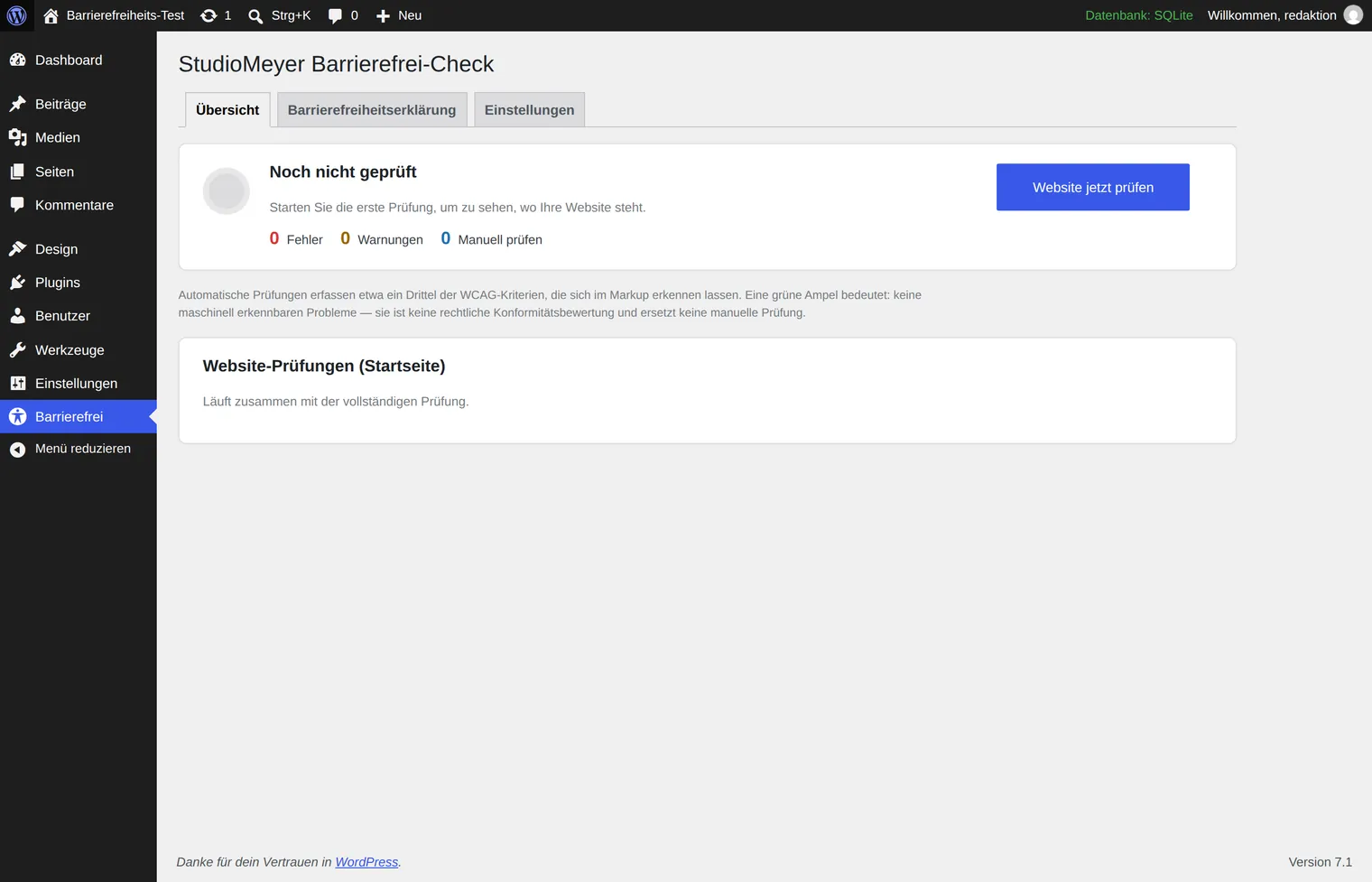
| StudioMeyer Barrierefrei-Check StudioMeyer | under 10 | none yet | 15 Aug 2026 | 7.1 | Testing | no |
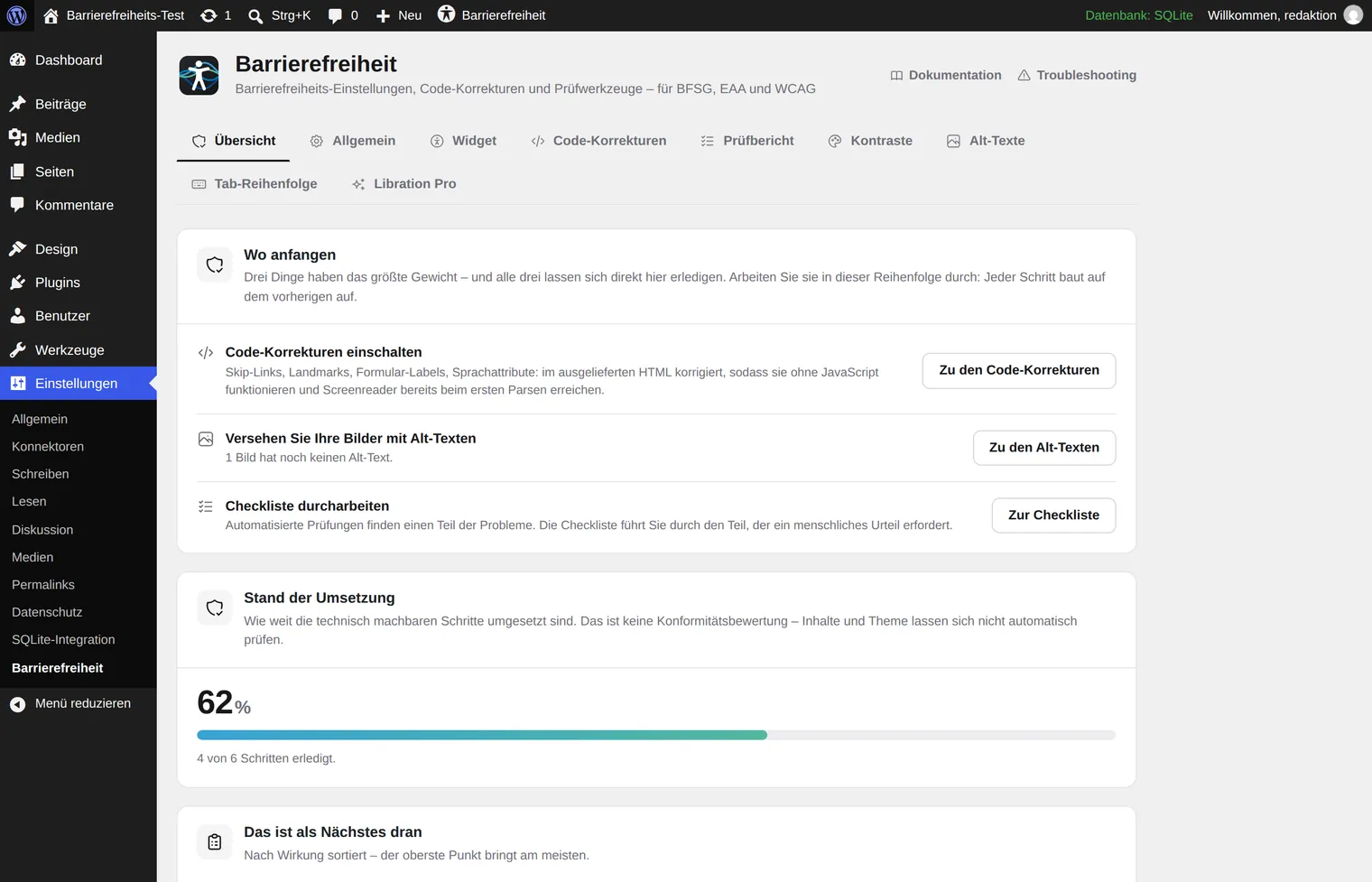
| Libration Accessibility Libration | under 10 | 5.0 ★ (1) | 10 Sep 2026 | 7.1 | all three | no |
Figures from the WordPress plugin directory, retrieved 10 September 2026. The directory reports installations in bands, and ratings change constantly. The “Kind” and “Account needed” columns are our own classification from the test.
Five observations that matter more to us than the ranking:
- Reach and satisfaction pull apart. The most installed plugin in the field by a wide margin — formerly One Click Accessibility, then Ally, today owned by Elementor — also carries the worst rating at 2.9 out of 5 from 162 reviews. The criticism is mostly about upsell notices in the admin area and the requirement to create a vendor account; the more capable AI features are paid.
- One vendor, two listings. AccessibleWP with 20,000 installations comes from the same vendor as Accessibility by UserWay with 80,000. That is 100,000 installations at one company. AccessibleWP was last updated in October 2024 and is tested up to WordPress 6.6.7 — the oldest entry on the whole list.
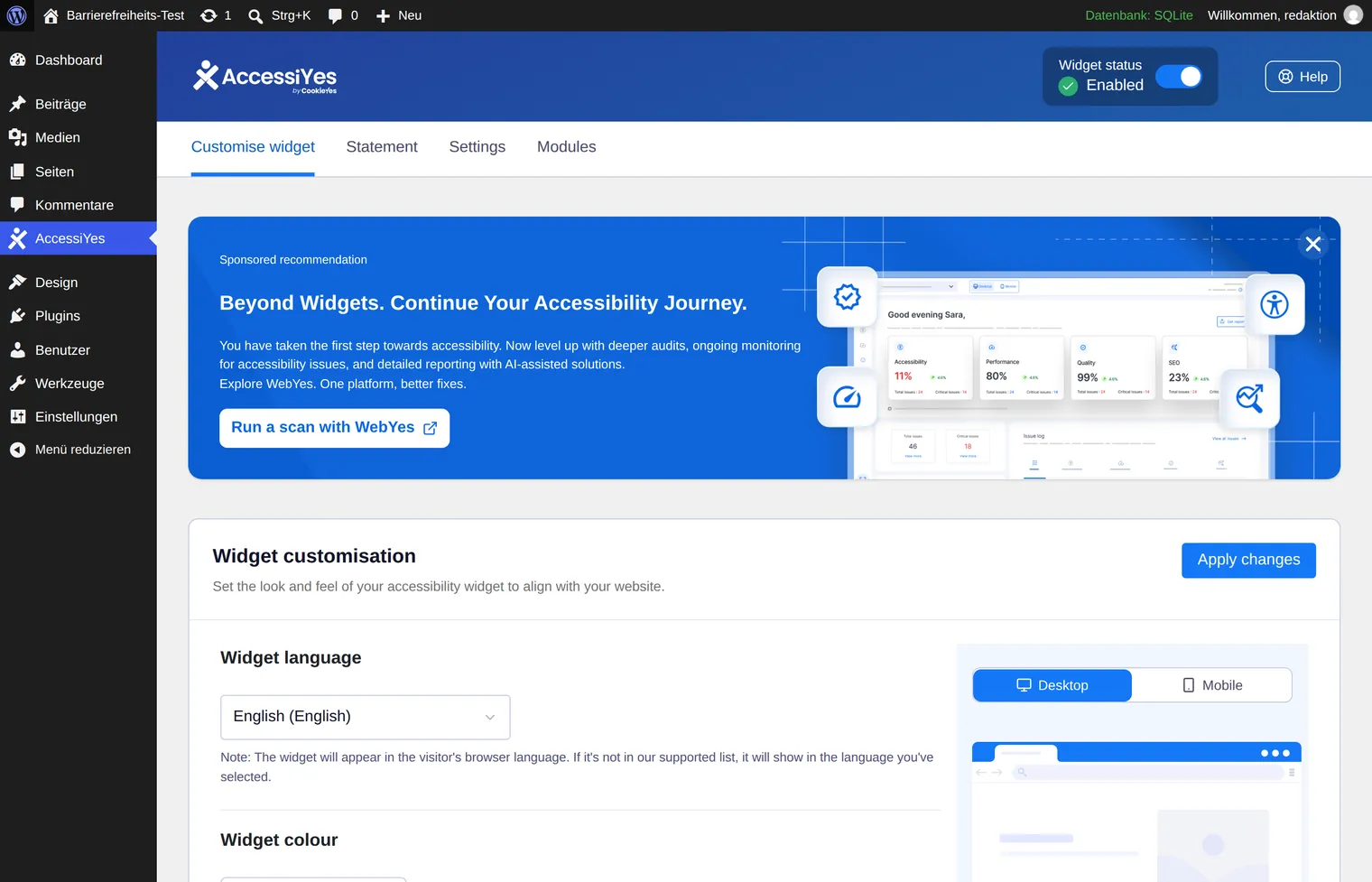
- The neighbouring trade has arrived too. AccessiYes with 20,000 installations comes from CookieYes, a consent banner vendor. Accessibility has evidently become an add-on product — a sign of how strongly the topic is being asked for since the EAA came into force.
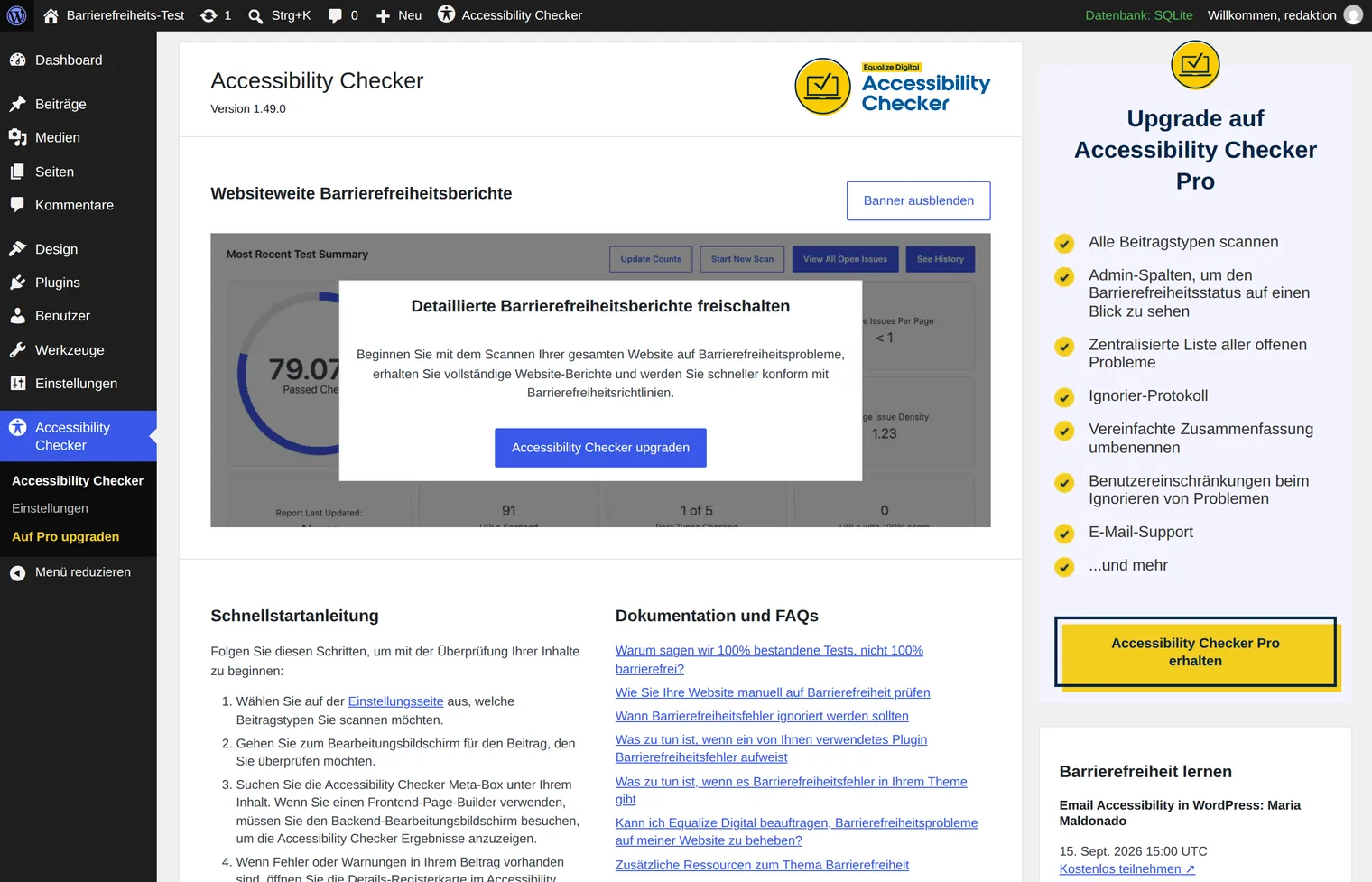
- The best-rated tool fixes nothing. Accessibility Checker tests inside the editor and reports what is wrong — that is all. Apparently that is exactly the part editorial teams need most.
- Maintenance is a selection criterion. Twelve of the 26 entries are tested up to WordPress 7.1; four are stuck at 6.8.8 or older. An accessibility plugin no longer tested against the current WordPress release can become a source of errors itself — precisely because it reaches deep into the HTML that gets delivered.
What happens after you activate it
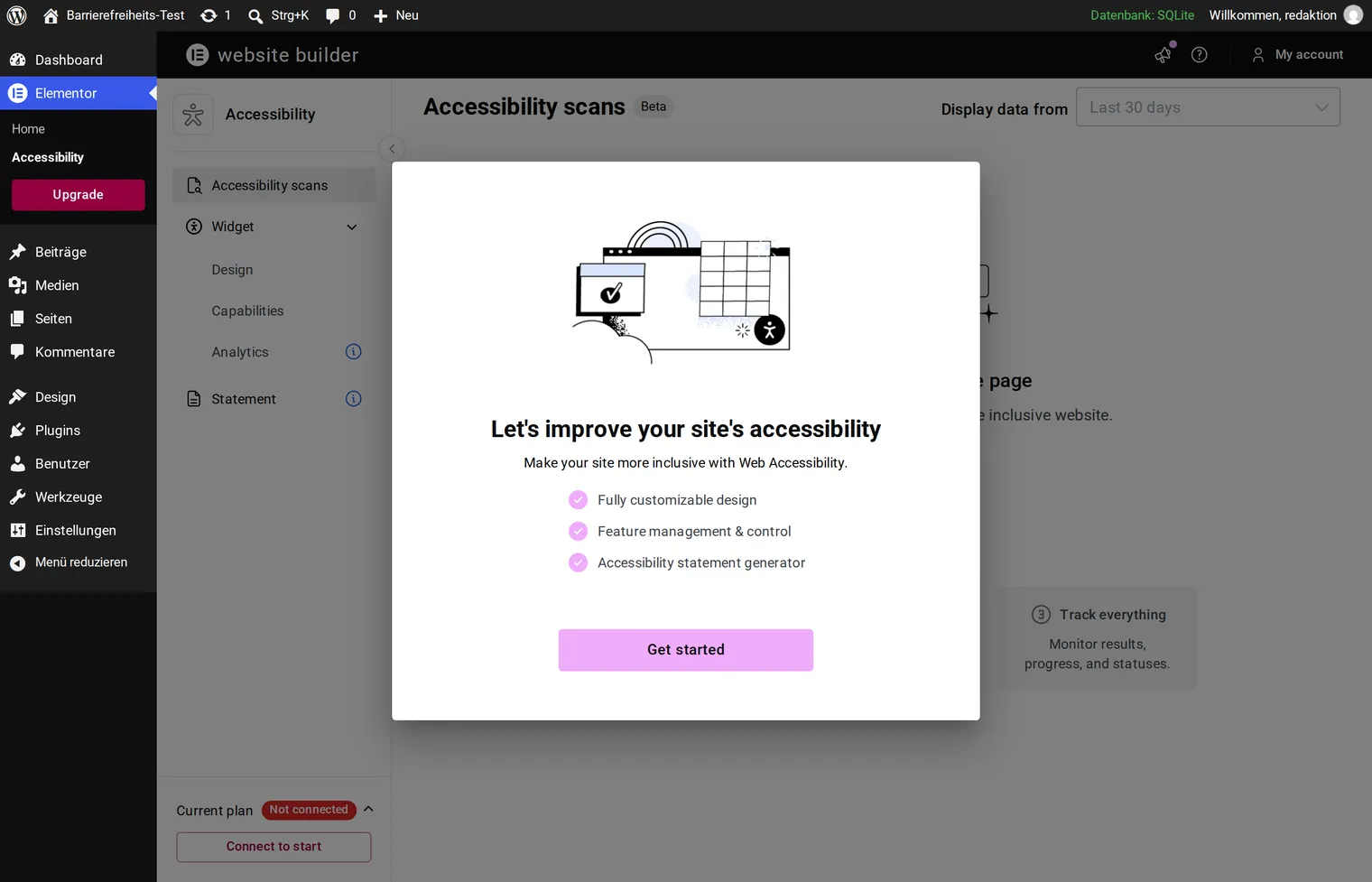
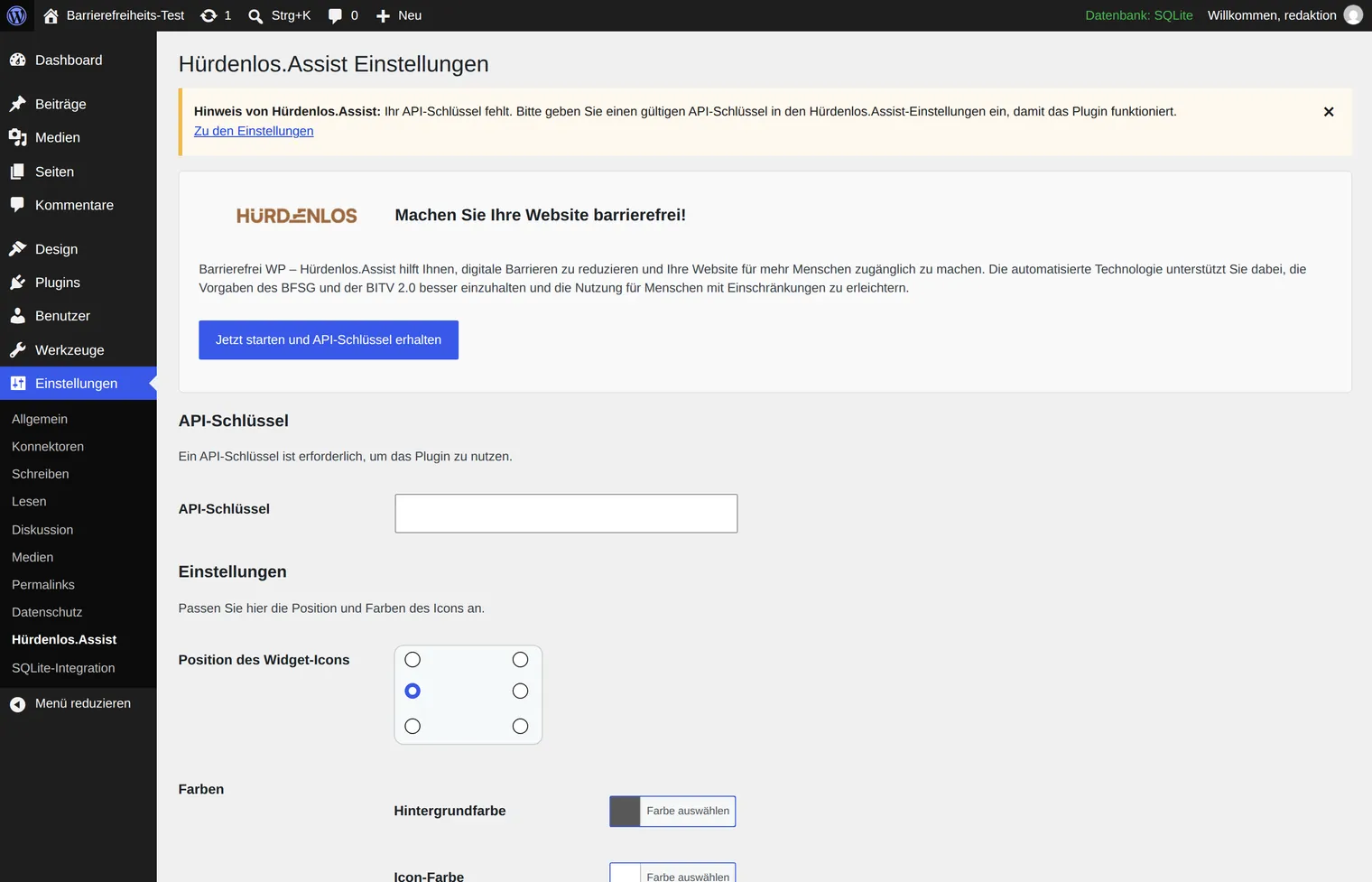
This is the part the directory figures do not tell you. For several plugins on the list, the first screen after activation is not a setting but a sign-up form. The directory listing is the bracket around a service that runs at the vendor and is billed there.
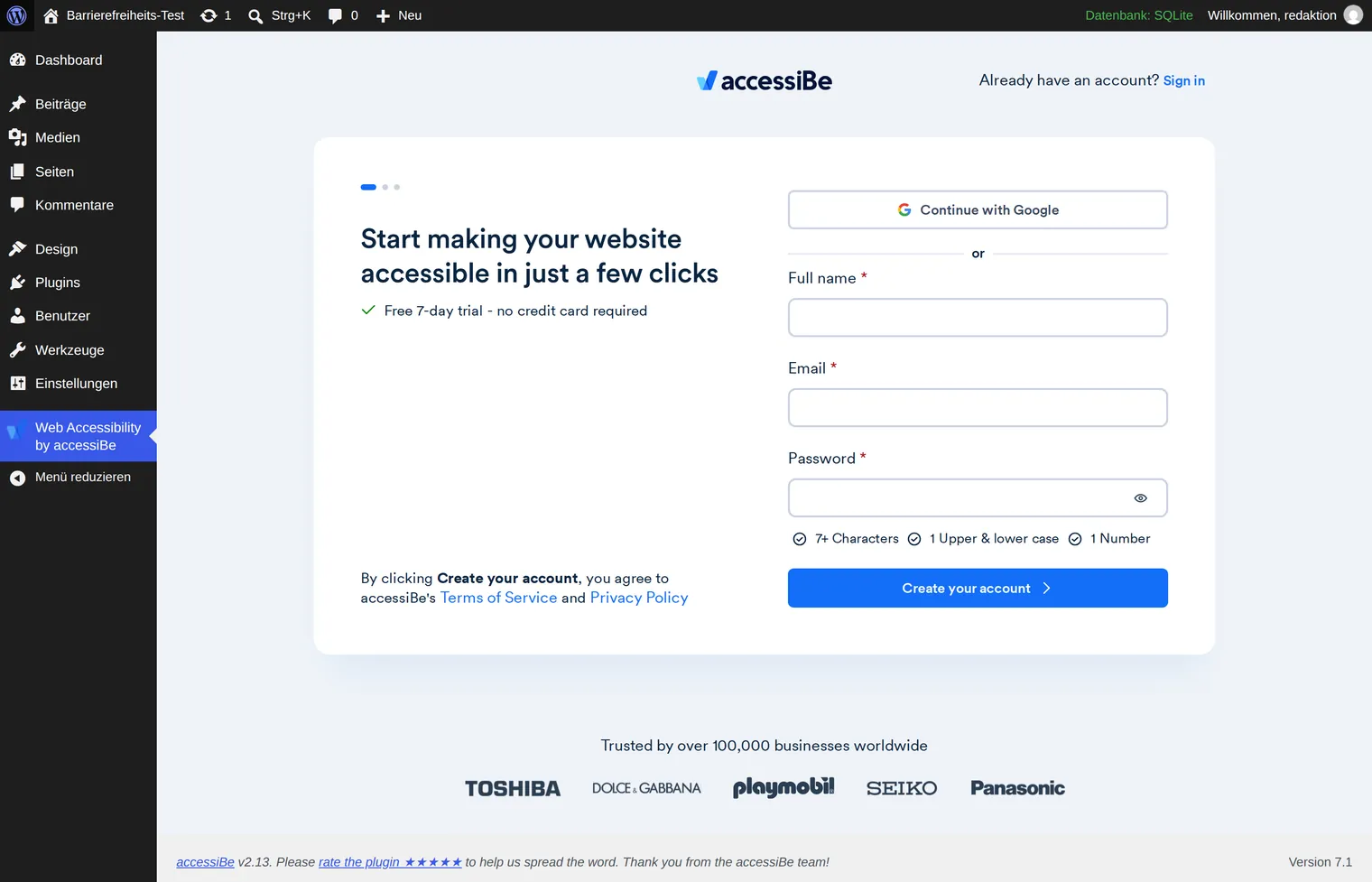
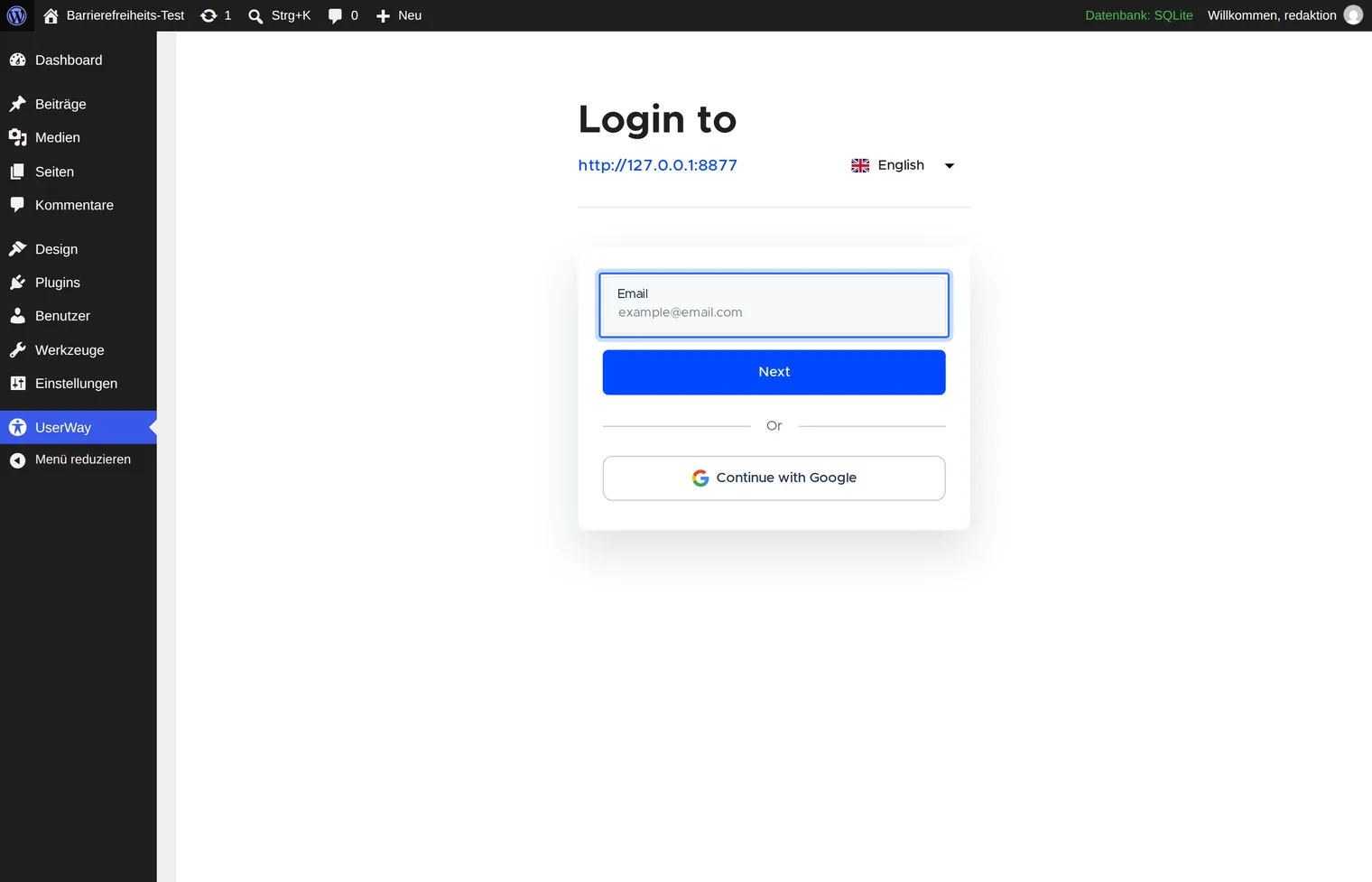
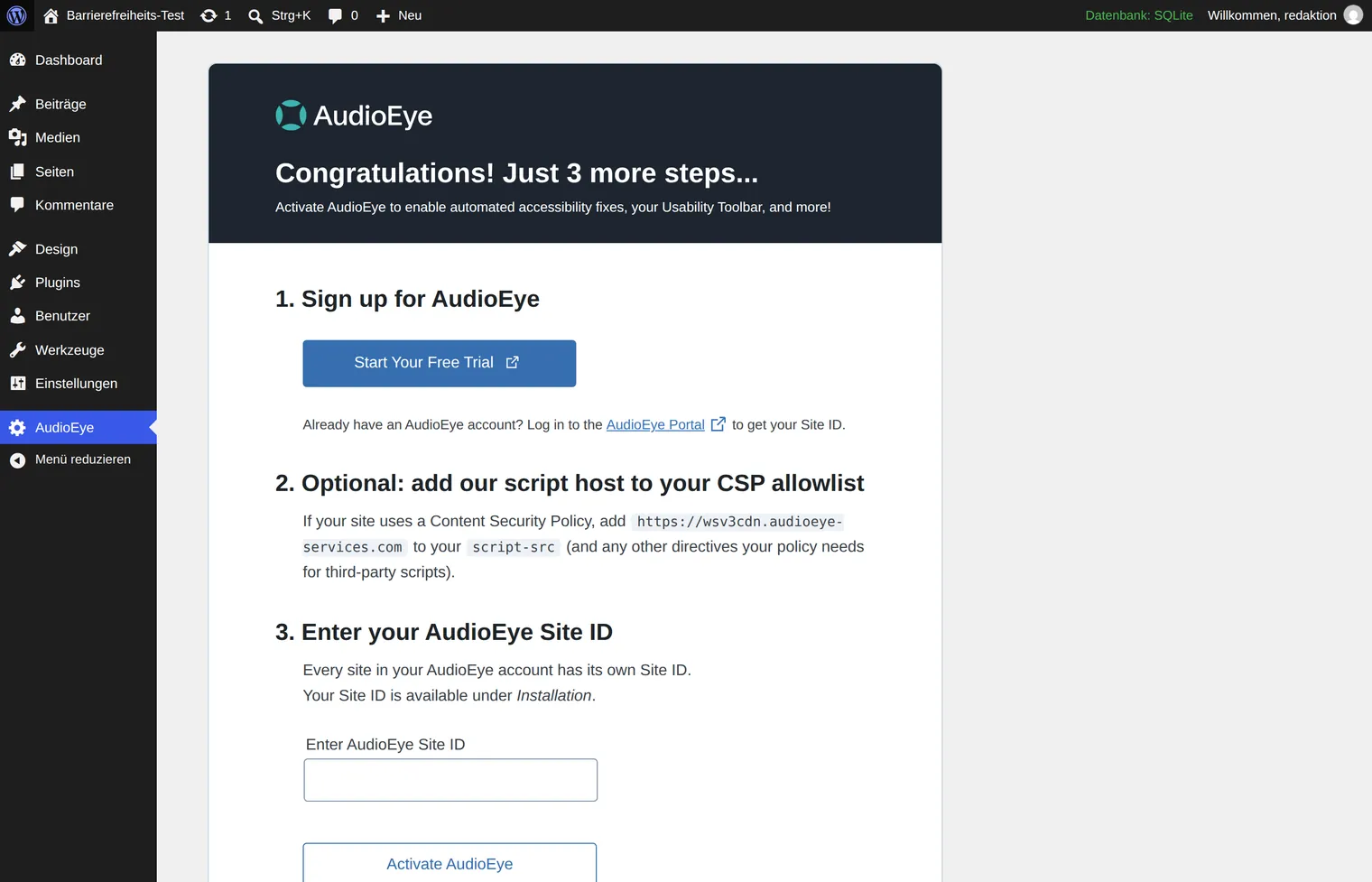
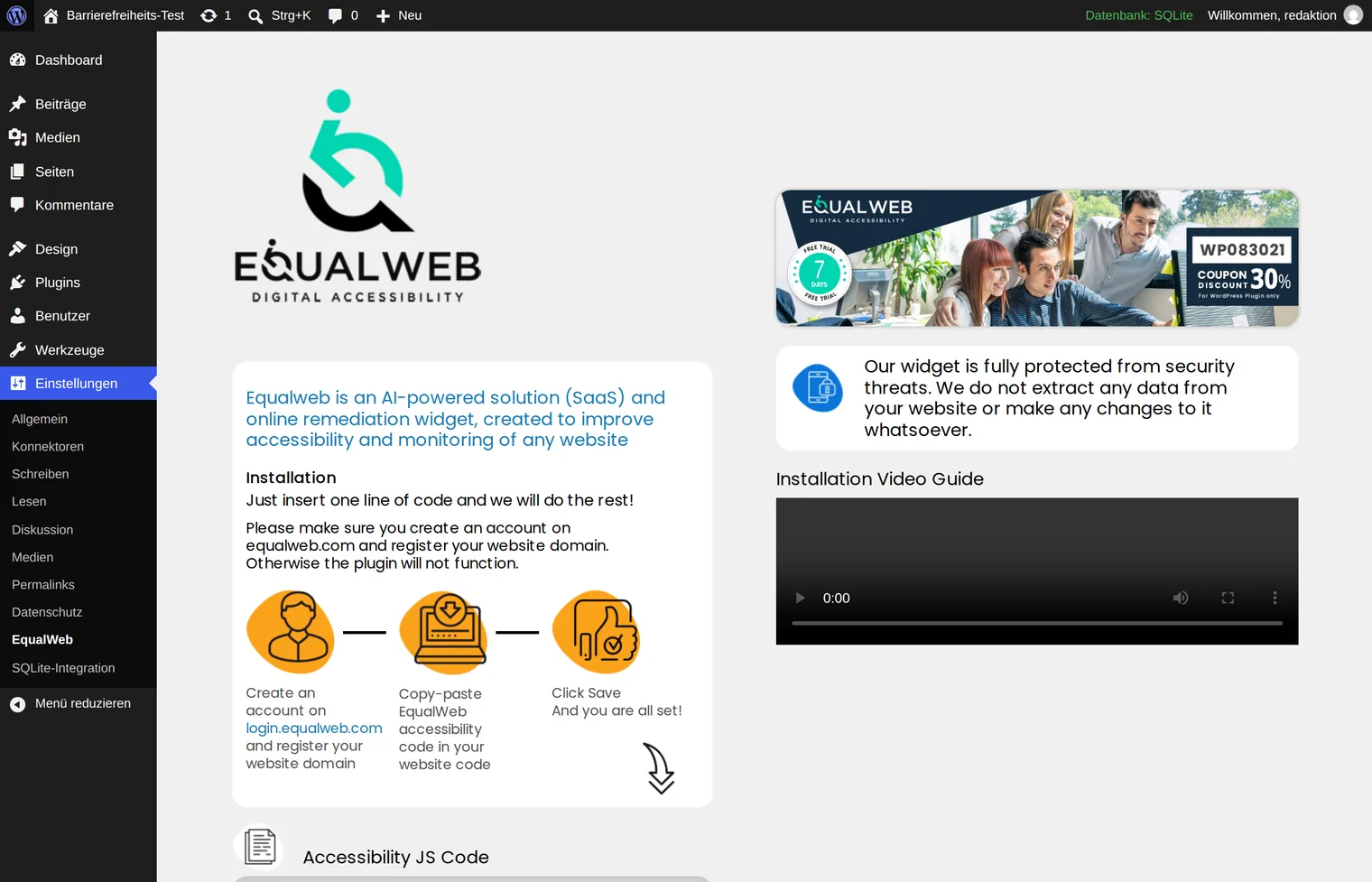
To these add AllAccessible, whose admin page stayed empty for us because it is loaded from the vendor, and AAArdvark, which asks for an API key before it shows a report. The German vendors Hürdenlos.Assist and BarrierEase likewise need a key or a registration tied to the website address first.
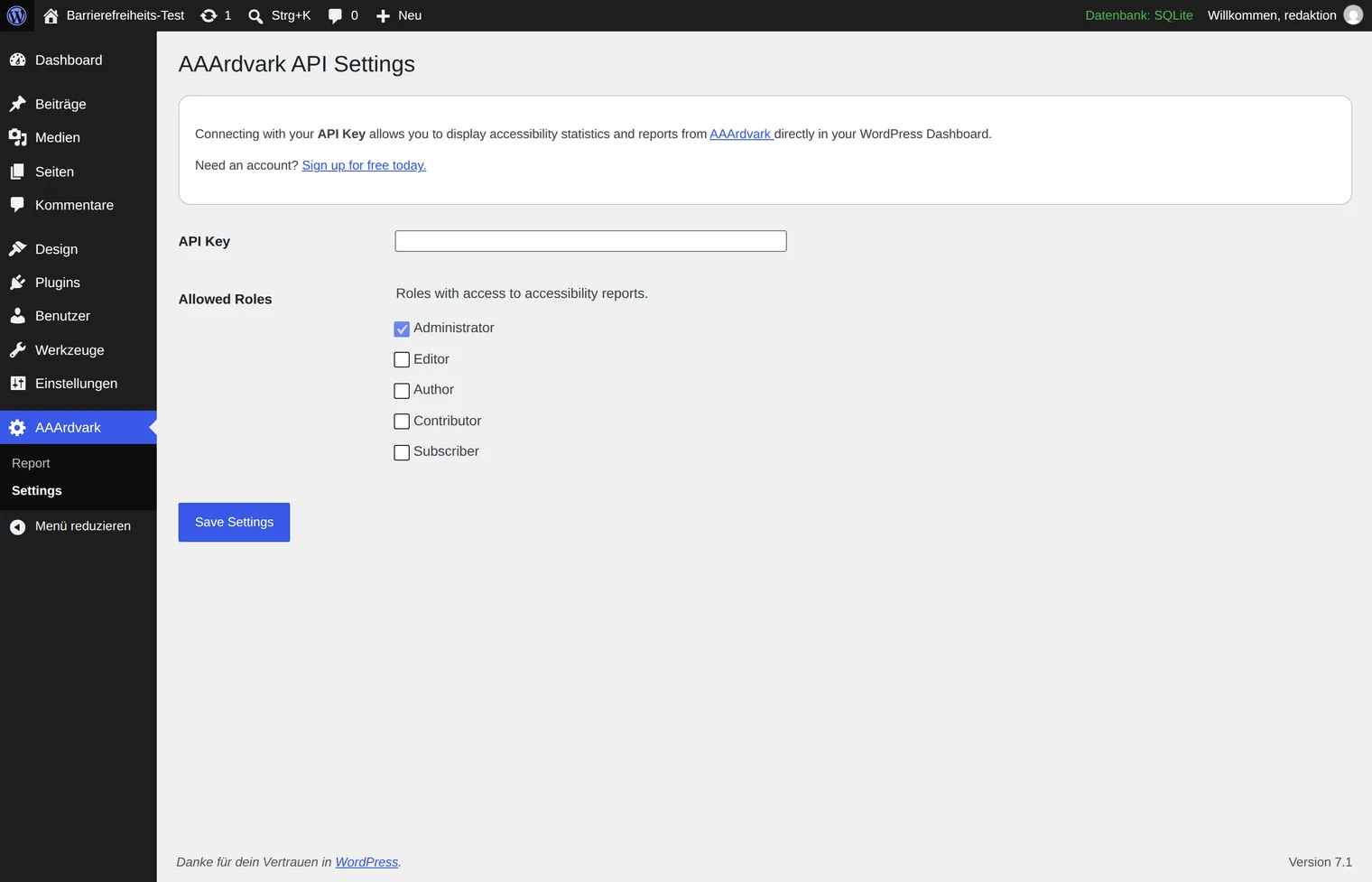
None of this is an accusation — a service may cost money, and some vendors deliver a great deal for it. But it has three consequences that belong on the table before you decide:
- Data protection. If the widget is fetched from a third-party server on every page view, at minimum your visitors' IP addresses go there. For public bodies that alone is often the deciding factor; for everyone else it is an entry in the record of processing activities and usually a data processing agreement.
- Availability. If the vendor goes down, the function goes down — and with some widgets, part of the site's operability goes with it.
- Dependency. When the subscription ends, the website is back where it started. Something that changed nothing in the markup leaves nothing behind.
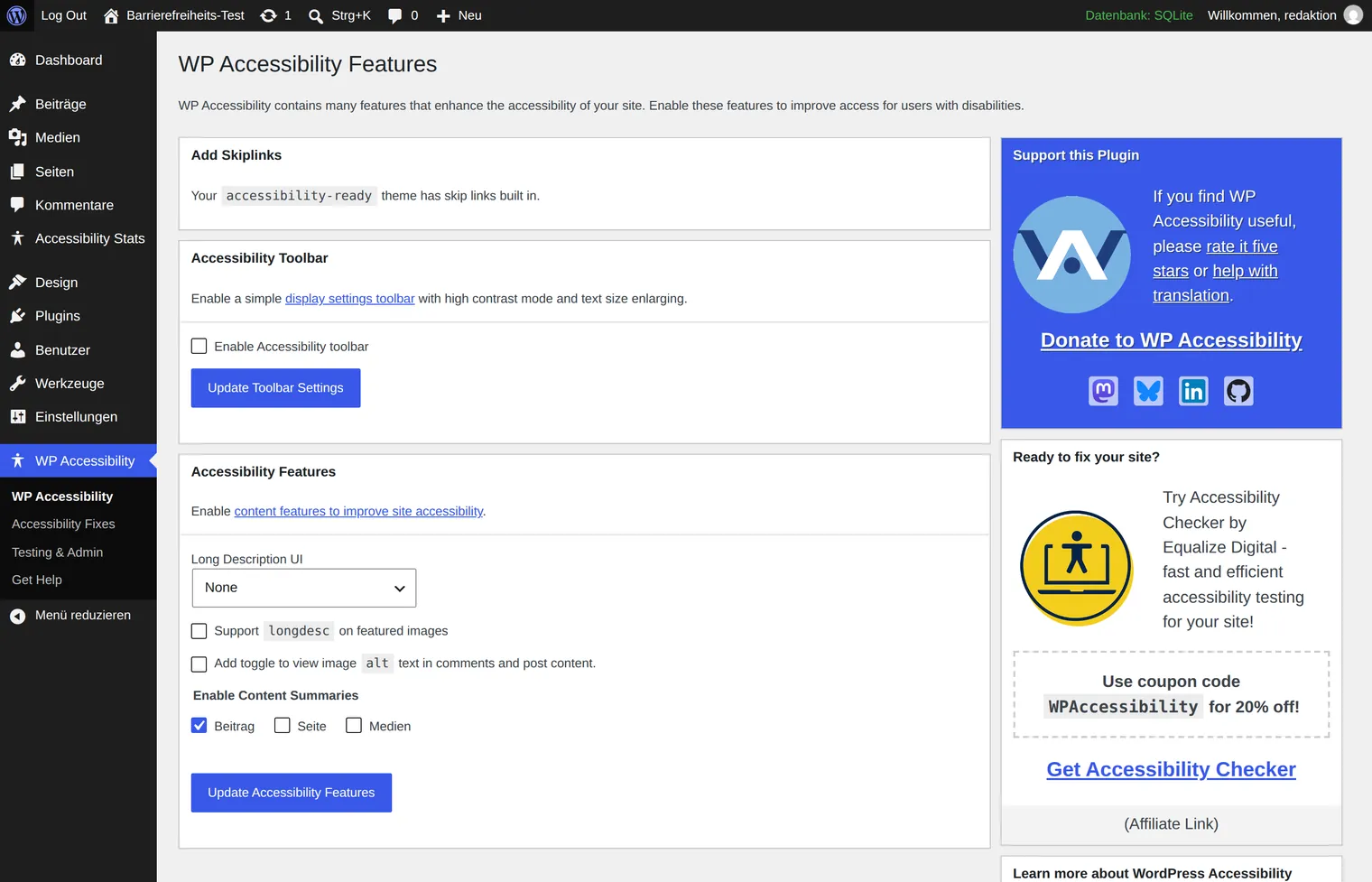
The other half of the field works straight after activation, with no account. That includes the two best-rated tools on the list:
The tools one by one
Correction: what actually changes the HTML
The listing for WP Accessibility deserves attention. It comes from Joe Dolson, a long-standing member of the WordPress accessibility team and its contact for core and the block editor. The second sentence of his plugin description reads:
“WP Accessibility is not intended to make your site compatible with any accessibility guidelines.”
That is not false modesty but the technically correct statement — and a good yardstick for every other listing. The plugin adds skip links, enforces alternative text fields in the editor, flags images without alternative text in the media library, and clears up a range of typical theme problems. It promises nothing beyond that.
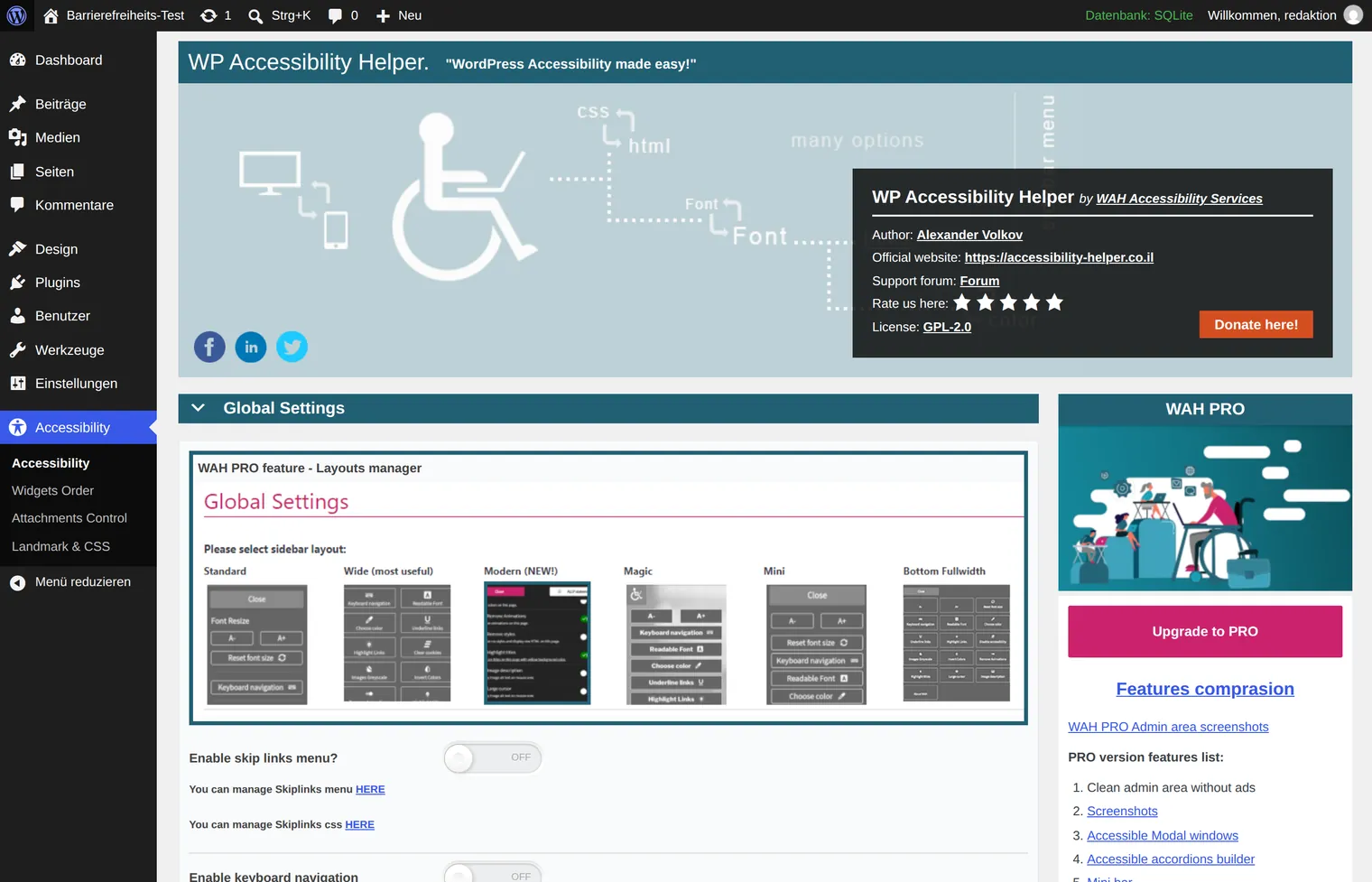
WP Accessibility Helper is the hybrid of the field: a toolbar for visitors plus some interventions in the markup. The listing is being maintained again — the 2 September 2026 release is tested up to WordPress 7.1. On the settings page, though, it is striking how much room the notices about the paid version take up.
Testing: the tools that promise nothing
This group is the least conspicuous and, in practice, the most useful. It fixes nothing; it tells you what to work on — and so provides the basis for the accessibility statement you have to sign yourself anyway.
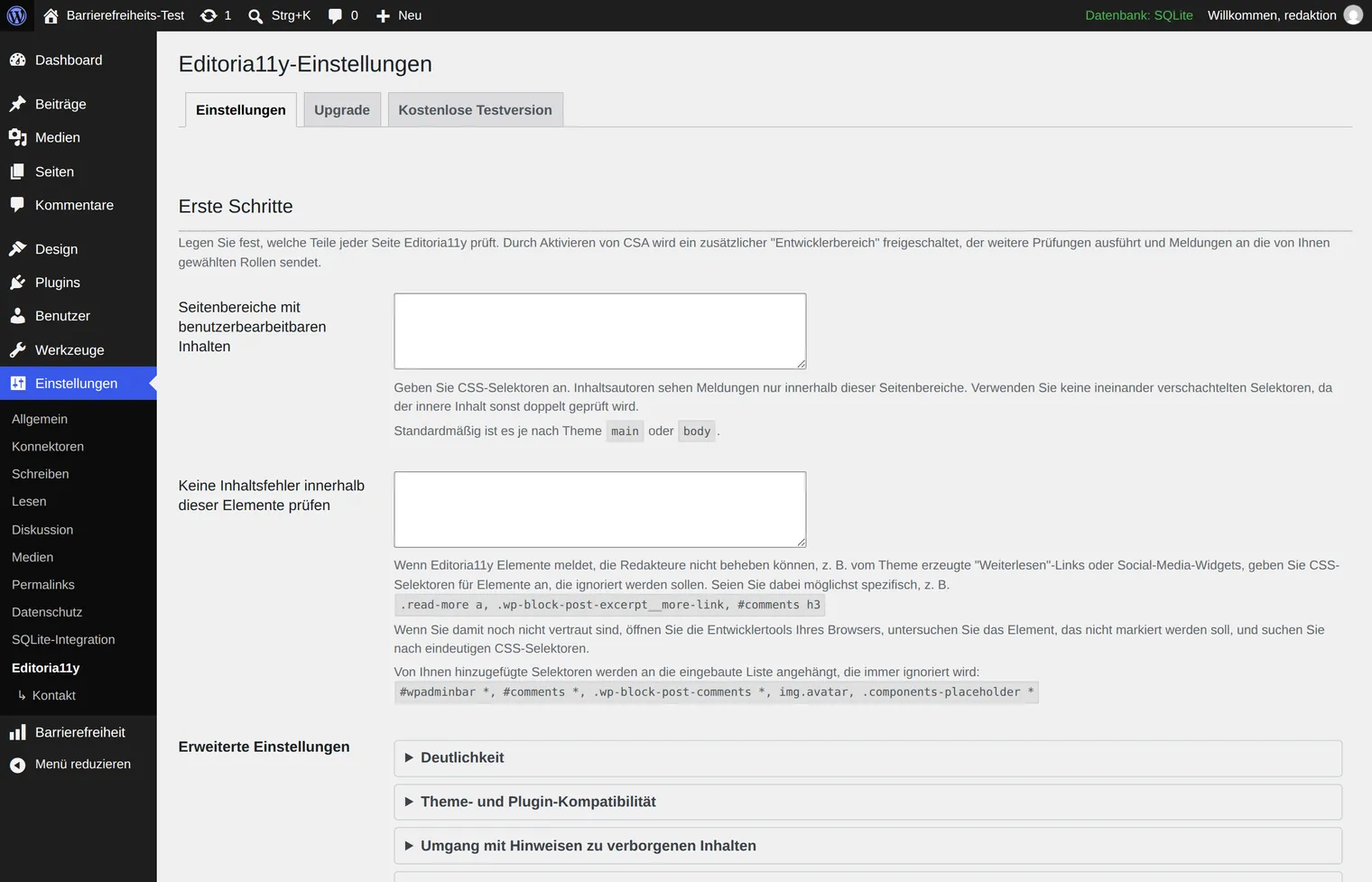
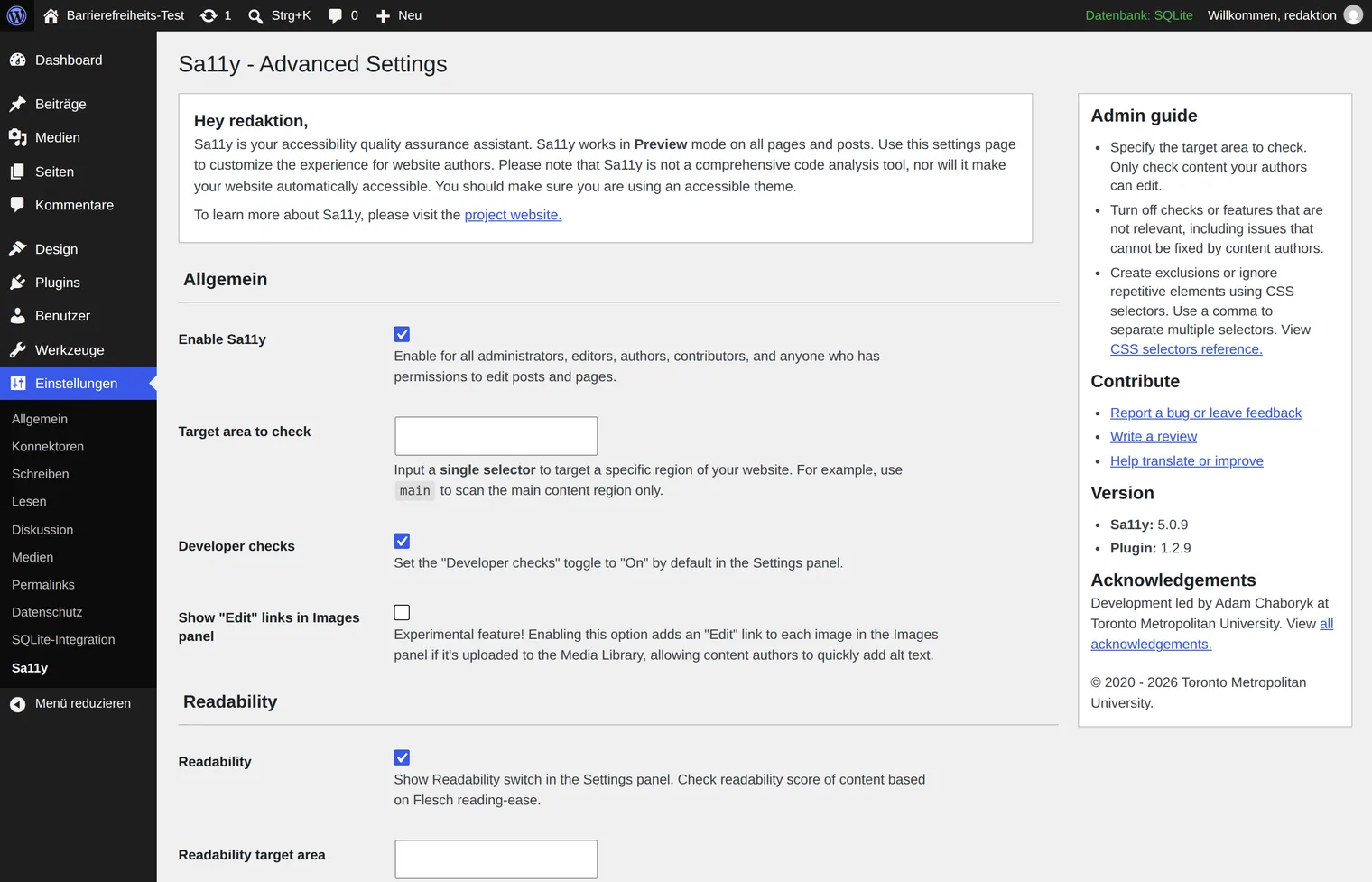
Editoria11y and Sa11y both come out of higher education and work directly in the editing view: they flag problems where the text is written, rather than in a separate report. For editorial teams with many authors, that is the more effective place.
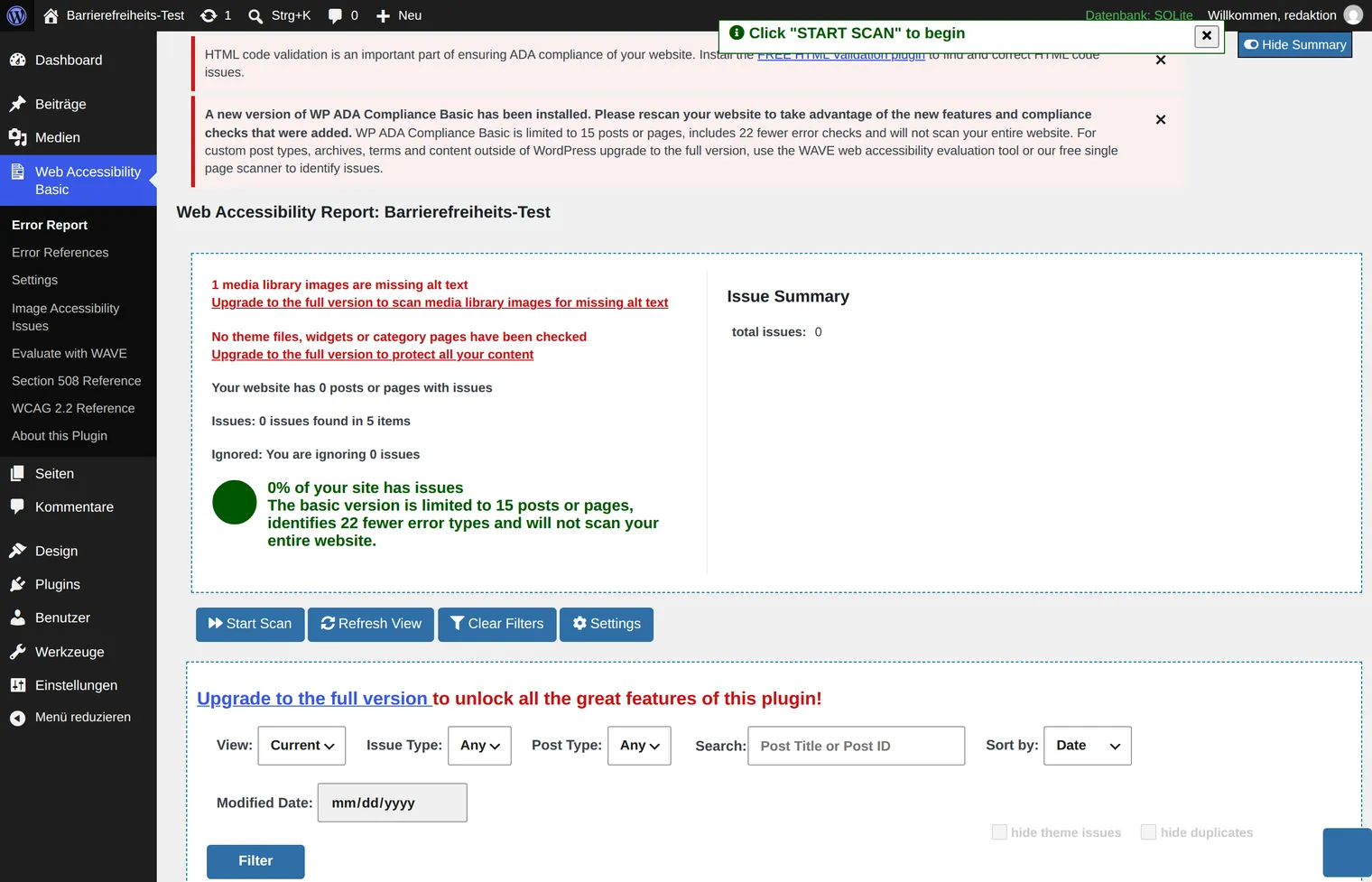
WP ADA Compliance Check Basic delivers a detailed report across the whole site — and is at the same time the example of how thoroughly notices about the full version can overlay a report. The free version limits testing to 15 pages.
Widgets: what separates the toolbars
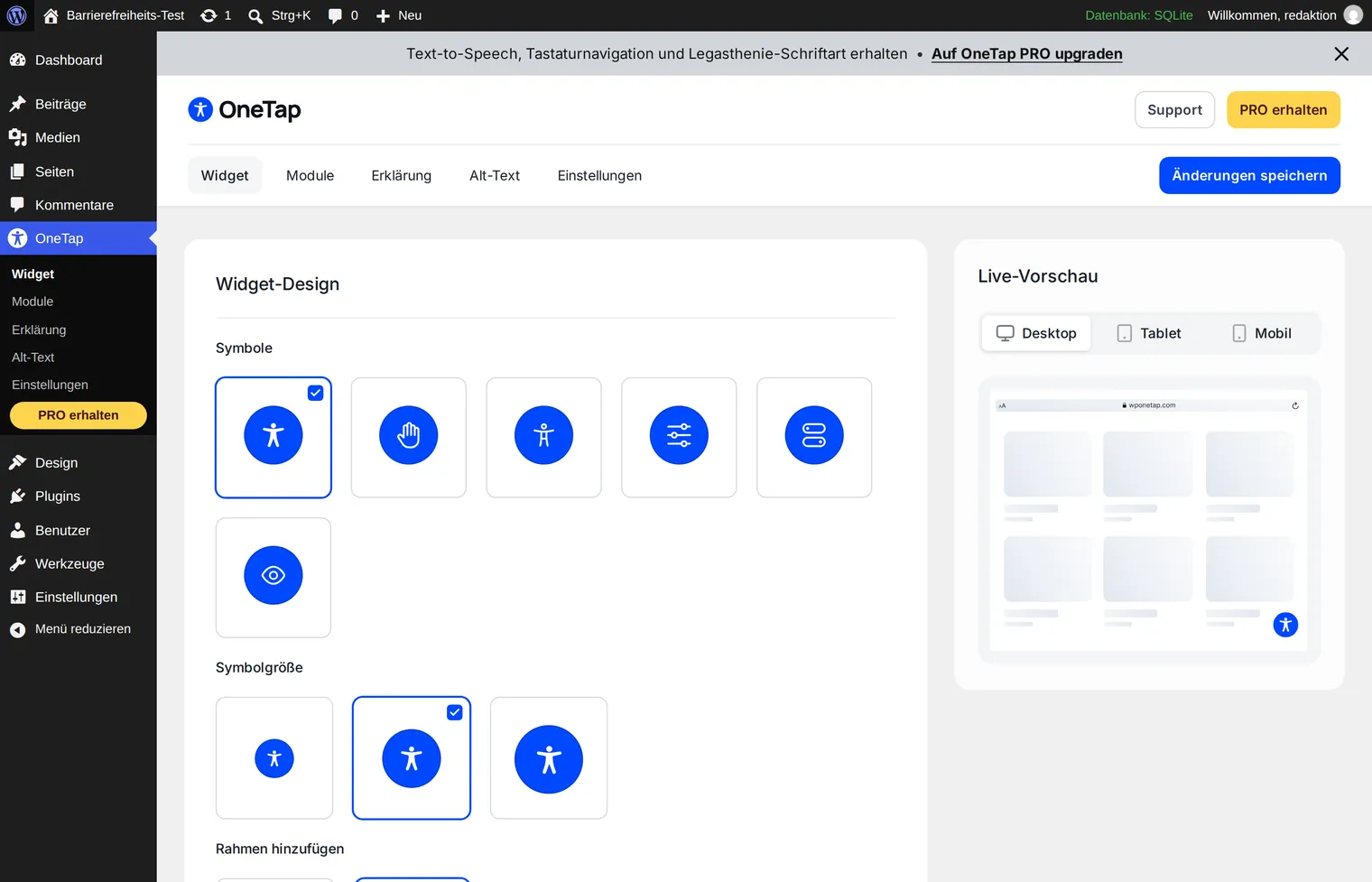
The widgets resemble each other more than the product pages suggest: text size, contrast, cursor, stopping animations, often a read-aloud option. The differences lie mainly in three points — whether the widget comes from your own server or from the vendor, how far it can be matched to your own design, and how much of the functionality the free version contains.
The vendors from Germany
Germany transposed the EAA as the Barrierefreiheitsstärkungsgesetz (BFSG), which has applied since June 2025 — and a small German-language field of vendors has grown around it. All of their listings sit below a hundred installations; the topic is young, and the numbers say nothing about quality here.
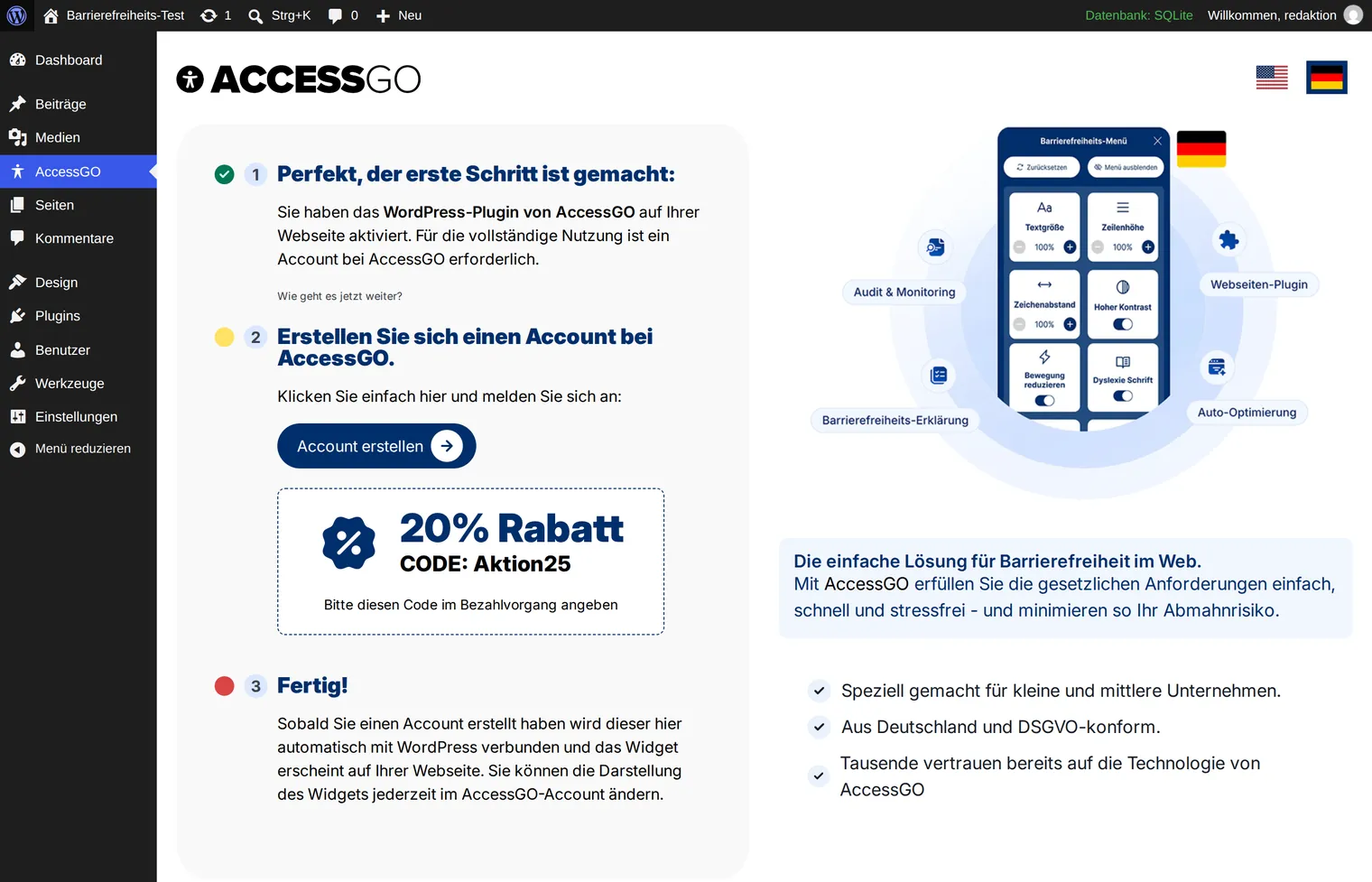
AccessGO is the most visible of them. After activation a three-step wizard leads through setup; step two is creating an account, and there is a discount code to go with it.
Why no plugin makes your website legally compliant
Some listings read very differently. The German vendor AccessGO, for instance, writes that its plugin “meets the requirements of the German Accessibility Strengthening Act (BFSG), the BITV and the European Accessibility Act (EAA)” and automatically generates “legally sound accessibility statements”. The listing ends with the sentence: “Install, activate and become legally compliant immediately.” (Translated from German.) Sentences like that are the reason for this section.
Germany's federal and state monitoring bodies — the authorities that assess conformity under the EU Web Accessibility Directive — published a joint assessment of overlay tools in March 2025. Three sentences from it, translated:
“A web presence that is not accessible does not necessarily become accessible under the legal requirements through the use of an overlay tool.”
“At present, overlay tools are not capable of rendering a web presence that contains barriers fully accessible.”
“Frequently, embedding an overlay tool worsens the accessibility of a web presence for users of assistive technologies.”
The last sentence is the awkward one: a poorly built widget can make things worse, because it inserts itself between the page and the assistive technology that blind and partially sighted people rely on.
Internationally, the same point has become expensive. In January 2025 the US Federal Trade Commission required the overlay vendor accessiBe to pay one million US dollars. The allegation: the claim that the tool made any website WCAG-compliant was “false, misleading, or unsubstantiated”. The FTC also objected that third-party articles and reviews were presented as independent opinions while the company's material connections to those reviewers went undisclosed.
How widespread the misunderstanding is shows in a German case: in July 2025 the association Digitale Barrierefreiheit e. V. pointed out that the market surveillance authority for the BFSG was itself running an overlay tool on its own website. If even they find the distinction hard, it is no failing when an association or an agency does.
How to recognise a plugin worth having
Six checks you can work through in minutes:
- It says what it cannot do. A listing with no caveat at all is a warning sign, not a mark of quality.
- It promises no compliance. “EAA compliant”, “legally safe”, “100 % WCAG” — no plugin can deliver any of that, because none of it depends on the plugin alone.
- It loads no code from third-party servers. A widget fetched from a vendor server on every page view sends your visitors' data there and fails when the vendor fails. For public bodies that alone often settles the question on data protection grounds.
- It can be switched off without breaking the site. A plugin you can no longer remove is not a tool you bought but a dependency.
- It is maintained. Tested against the current WordPress release, updated within recent months, answers in the support forum.
- It shows what it changed. You need to be able to trace which corrections are in effect — otherwise you can neither verify nor document them.
The order that works
A plugin is not the first step but the second. This sequence makes sense:
- Measure. Know what is actually missing first — otherwise you are buying a solution to a problem you have not identified. How to do that is covered in testing your website for accessibility.
- Close the mechanical gaps. Language attribute, skip links, form labels, iframe titles. That is what a correction plugin is built for, and it is an afternoon's work.
- Plan the editorial work. Alternative texts, heading structure, meaningful link text. This is the big block, and it cannot be bought. What helps is a list and a weekly quota: twenty images a week clears even a large media library in a quarter.
- Fold design into the next relaunch. Contrast and focus visibility belong in the design, not in a plugin. Plan for them early and they cost nothing extra.
- The widget last. It is a courtesy for visitors who like it — not a foundation and not evidence.
Before you settle on a plugin, have your site scanned. The scan shows free of charge and without sign-up which of the failures above actually appear on your website — and therefore which of the three plugin parts you need at all.
Scan your website now →Sources and notes
- WebAIM: The WebAIM Million, February 2026 analysis
- German federal and state monitoring bodies: Joint assessment on the use of overlay tools, March 2025 (German)
- Federal Trade Commission: Order Requires Online Marketer to Pay $1 Million, 3 January 2025
- Digitale Barrierefreiheit e. V.: Market surveillance authority uses an overlay tool itself, 14 July 2025 (German)
- Plugin figures and quotations from the listings: WordPress plugin directory, retrieved 10 September 2026
The screenshots show the admin interfaces of the plugins named, in our own test installation, captured on 10 September 2026, and serve to illustrate the text. All trade marks and product names belong to their respective owners. If a plugin is missing here or wrongly classified, we are glad to correct it — write to us.